

Description
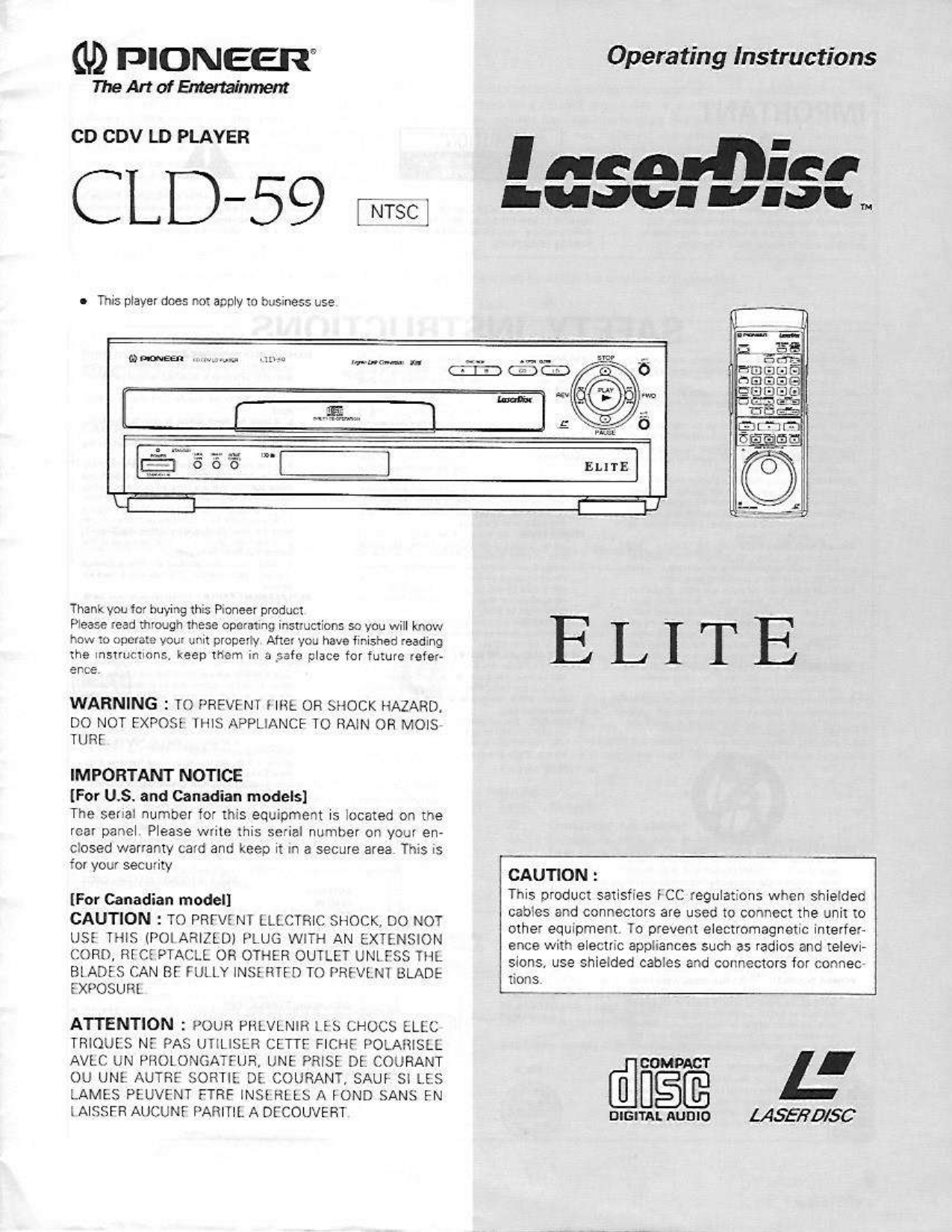
This Pioneer Operating Manual provides step-by-step instructions for utilizing the sophisticated playback and searching features of the Pioneer CLD-59. The CLD-59 is an advanced multi-format player designed to handle Compact Discs (CD), Compact Disc Videos (CDV), and LaserDiscs (LD), catering to the high-end home entertainment market. The manual focuses heavily on functions accessed via the remote control, illustrating the button sequences with clear graphics and numerical steps. These pages specifically highlight the CLD-59’s capability to offer enhanced control over media playback, moving beyond simple start and stop functions. The overall design philosophy of the CLD-59, as reflected in these instructions, emphasizes user-centric control, allowing for precise navigation and customization of the viewing or listening experience. The player’s support for multiple formats—CAV (Constant Angular Velocity) and CLV (Constant Linear Velocity) LaserDiscs, plus the CD and CDV formats—necessitates these detailed instructions to explain how features work differently across media types. For instance, the Frame Search function is explicitly limited to LDs only, and the Time Search function, which uses minutes and seconds, is available for CLV discs or discs containing time information. This complexity and format versatility is a hallmark of high-end Pioneer LD players, and the manual is essential for maximizing the utility of the device. The manual is structured to be immediately practical, guiding the user through complex operations such as programming a playlist (Programmed Playback), performing content scans (Quick Scanning), and executing precise searches (Search for a Desired Frame/Time). The clarity of the instructions, featuring diagrams of the remote control and corresponding button presses, ensures that users can master these advanced controls quickly and effectively. The existence of multiple unique playback modes—Programmed, Random, Intro Scan, and Highlight Scan—demonstrates the depth of functionality built into the CLD-59 to enhance content interaction, making the manual a necessary companion for exploiting the player’s full potential.
The specific, high-value functions detailed in these excerpts define the CLD-59 as a premium player offering exceptional control over playback. The Programmed Playback feature, for example, allows users to program a sequence of up to 24 chapters or tracks from an LD, CDV, or CD in any desired order. This is a significant feature for curating content, such as compiling music tracks or viewing specific scenes from a movie. The instructions clearly differentiate the process for double-sided LDs (requiring side selection and chapter number) versus single-sided LDs, CDVs, or CDs (requiring only track/chapter numbers). The manual also covers error correction during programming and how to modify or clear the entire programmed playlist. Complementing this is the Random Playback function, which works with CD, CDV, and LDs that have a Table of Contents (TOC), allowing for spontaneous listening/viewing experiences. The manual notes crucial constraints, such as the impossibility of random playback for programmed tracks and its dependence on a TOC-enabled LD. Furthermore, the inclusion of Quick Scanning modes—Intro Scan (playing the first 8 seconds of every chapter/track) and Highlight Scan (playing the first 8 seconds, starting one second into the track, for CD/CDV audio)—offers powerful tools for quickly surveying a disc’s contents. These scanning functions, along with their format-specific limitations (e.g., Intro Scan not available with discs lacking recorded chapter numbers), highlight the technical intricacies the manual seeks to clarify for the user. These playback modes are not merely standard features but represent the cutting-edge of home media control at the time, underscoring the CLD-59’s position as a flagship device. The thorough explanation of these modes ensures that a user can reliably access and utilize the specialized features that set the CLD-59 apart from basic media players.